Founder · My Accomplishments
My Accomplishments.
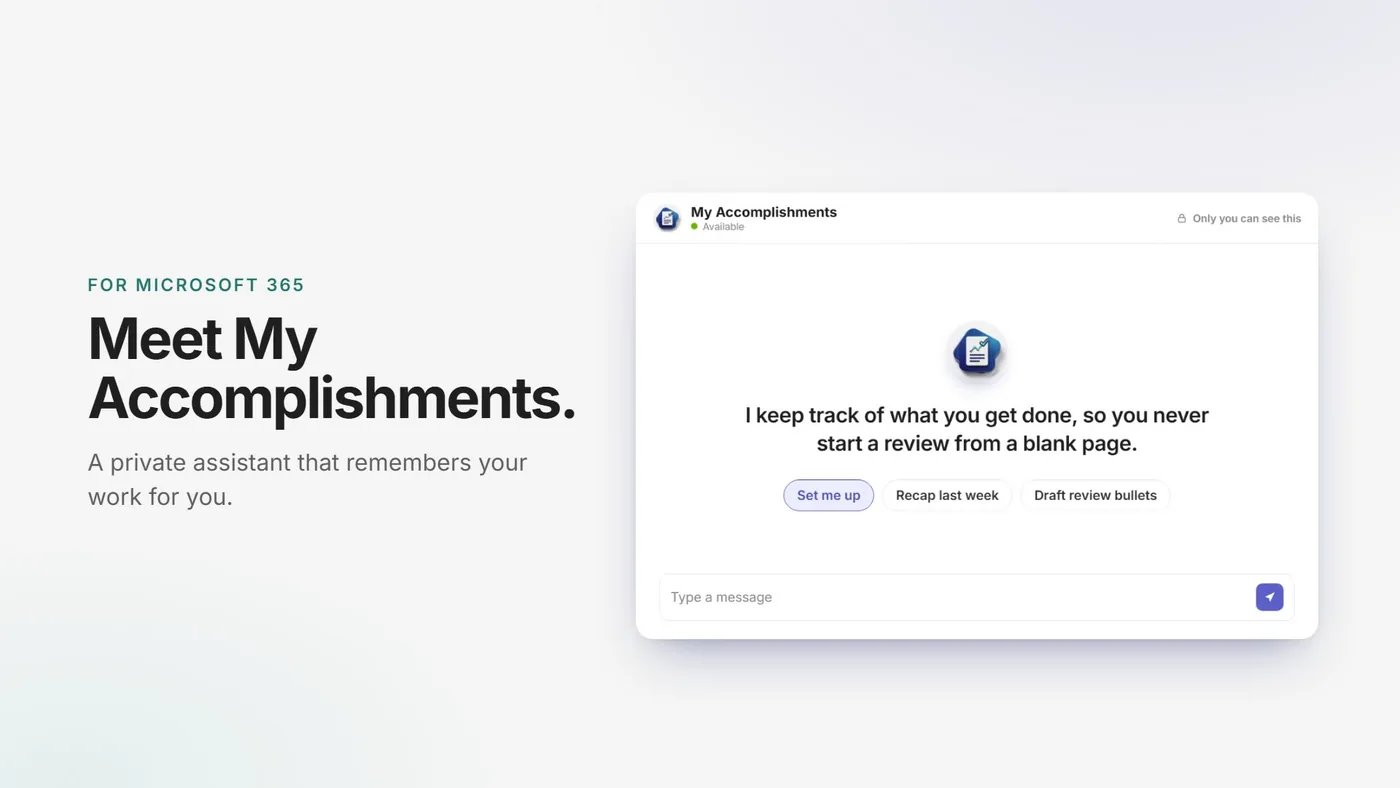
My own product, built solo on my own time. A private assistant for Microsoft 365 that keeps track of what you get done and writes it up in your own voice when review time comes.
myaccomplishments.app (opens in new tab)Run it inside the buyer’s own Microsoft 365, so their work never comes to me.
- Outcome
- Launched October 1, 2026 in early access at myaccomplishments.app: $2 per person, per month, billed yearly
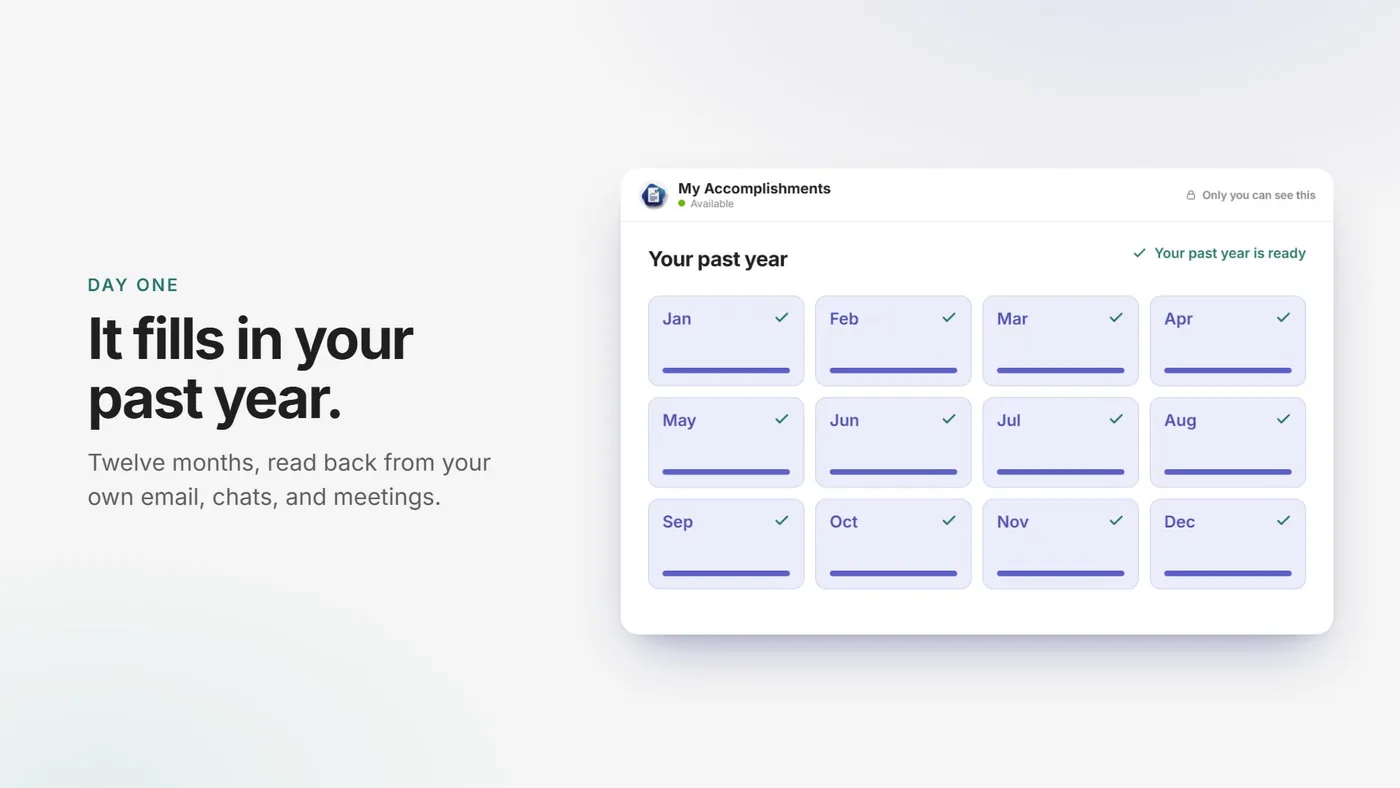
- Reads back the past 12 months on day one, then captures every week on its own
- Runs inside the buyer’s own Microsoft 365, so none of their work data comes to me
- Self-serve: after one admin approval, each person sets themselves up in Teams
- Problem
- Most people get a lot done and forget most of it by review time. The usual fix is a weekly journal, which is one more habit to keep. The work is already written down in email, chats, and meetings. Nothing was pulling it back out.
- My role
- Designed and built the product: a Copilot Studio agent, Power Automate capture flows, the AI prompts, and self-serve setup packages for each person
- Designed and built the marketing site: a four-step animated product demo, search-friendly guides, and the early access and waitlist signups
- Made the 26-second product video in code with Remotion
- Wrote the go-live automation: one re-runnable script for DNS, hosting, custom domains, and email
- Key calls
- Fill in the past year on day one, not a blank page
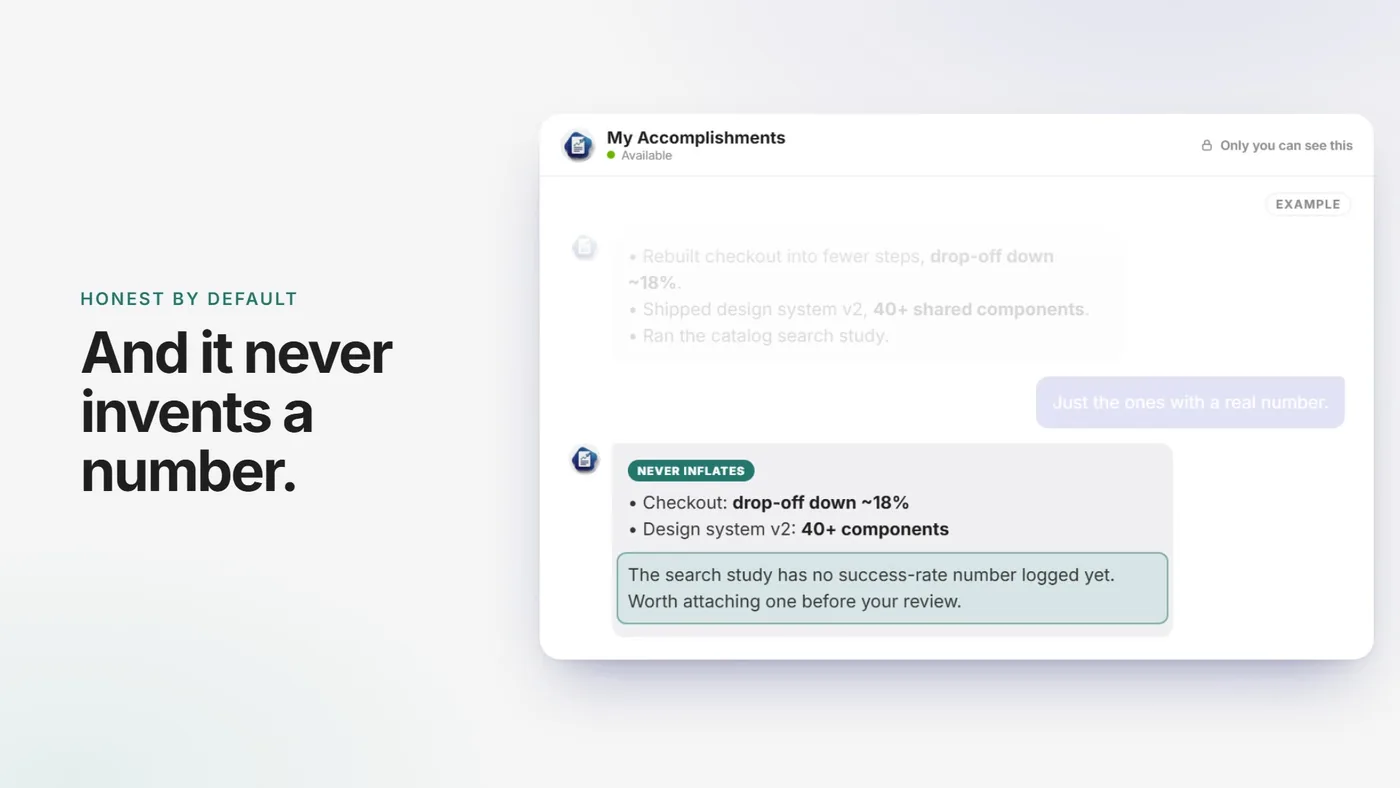
- Never invent a number. Flag the missing one instead
Built for the week before a review.
Most of us get a lot done and forget it fast. By review time we remember the big projects and lose the hundred smaller things that mattered just as much. I wanted the record to build itself from work people already do: no forms, no weekly journaling, no new habit. It is useful past reviews too, for a promotion case, a resume refresh, or just remembering what last month looked like. I designed and built every part of it on my own time and launched it on October 1, 2026.
Set it up once.
The bar I held it to: nothing new to learn and nothing to keep up. Everything the product needs happens behind one button.
- 01Tap Set me upOpen it in Teams, tap one button, click Allow. One sign-in card instead of a setup guide, and tapping it twice is safe.
- 02It fills in your past yearThe first run reads back 12 months, month by month. A tool like this is useless the week before a review if it starts blank, so day one had to be the payoff.
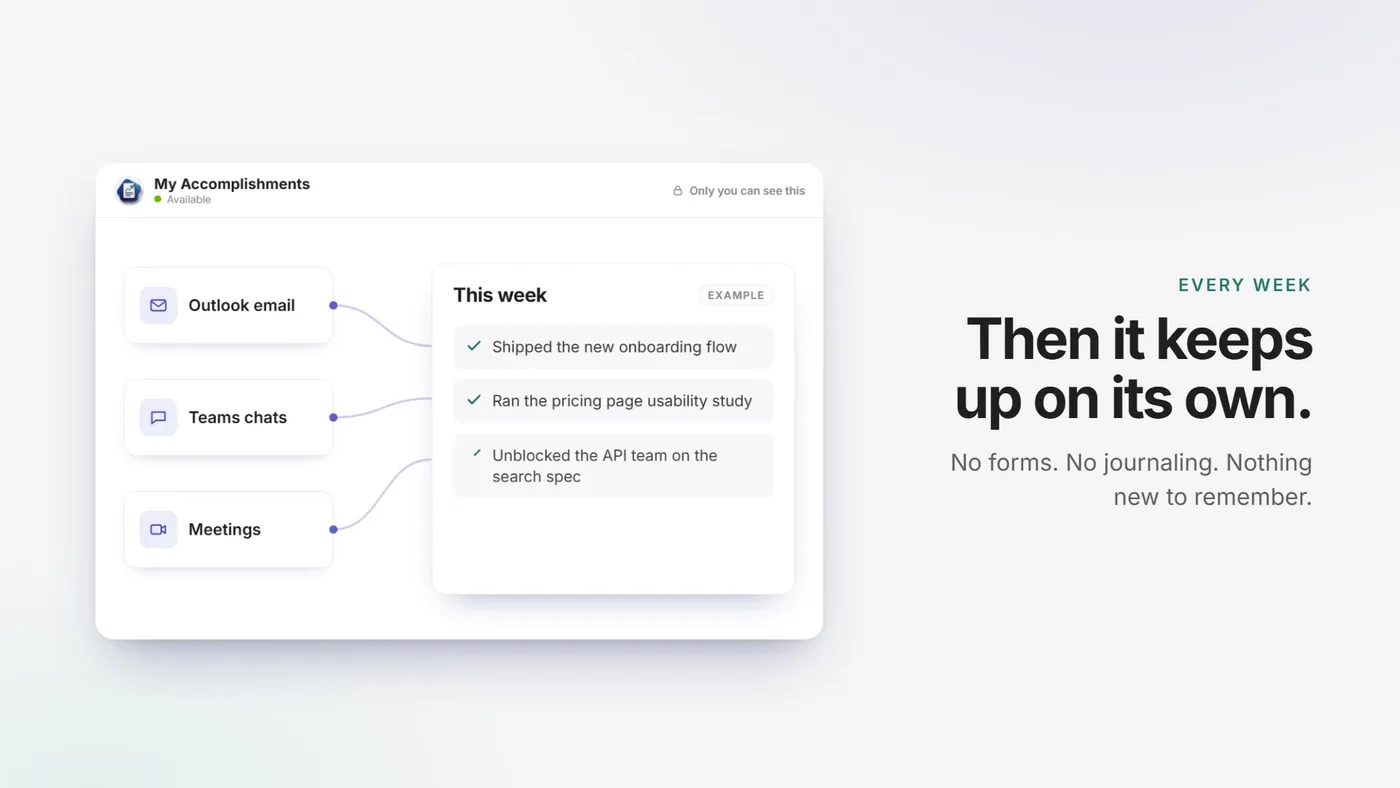
- 03It keeps up every weekOnce a week it pulls the real accomplishments out of email, chats, and meeting transcripts, and skips anything it already has.
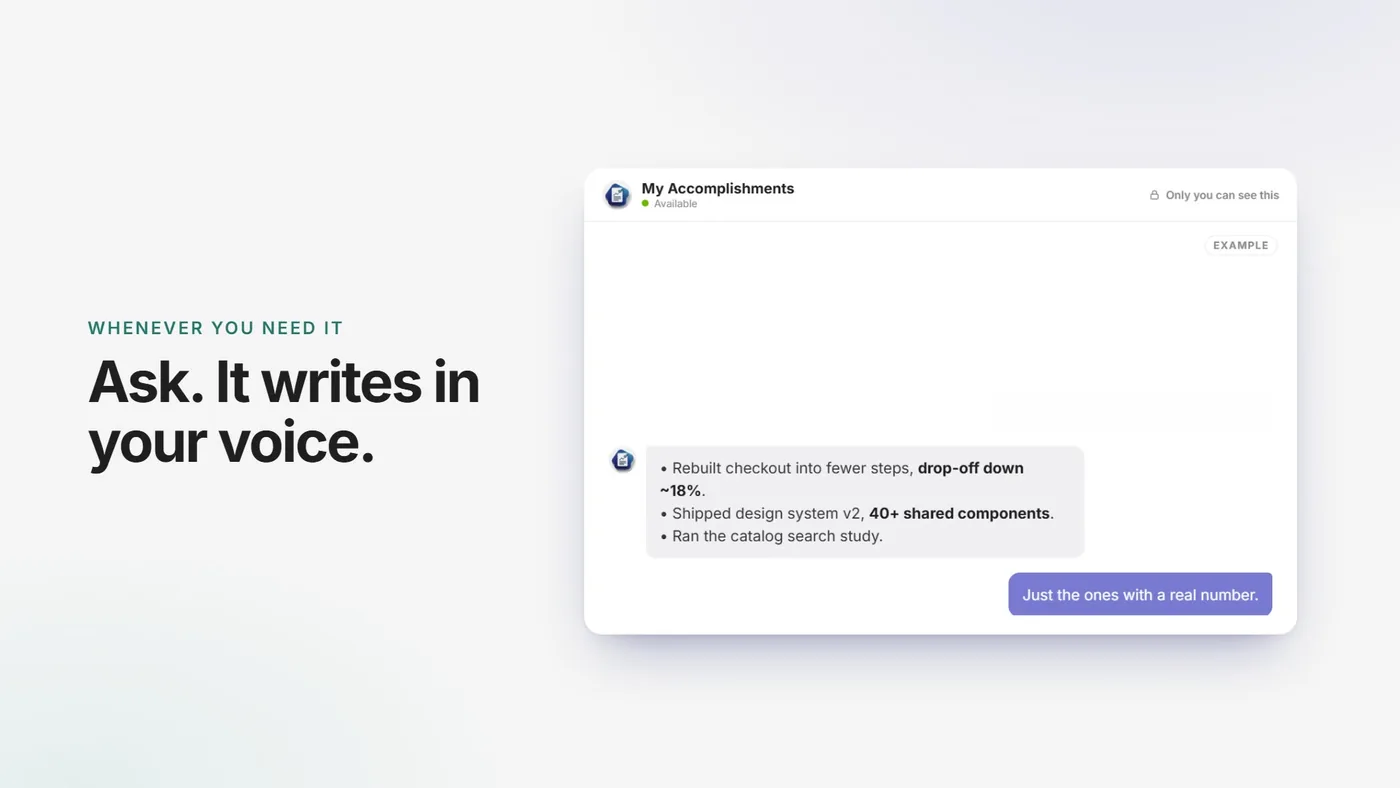
- 04Ask whenever you need itPlain words in Teams: recap a quarter, draft review bullets, ask what to lead with. It learns how you write from your own messages, so drafts sound like you.
Your work stays in your company.
This is the call everything else rests on. Instead of hosting people’s email and chats myself, the whole product installs into the buyer’s own Microsoft 365 and runs there. It saves short summaries of what you got done, each with a brief quote from the source so you can see where it came from. It does not save the inbox, the chats, or full transcripts. Those summaries live in your own account. Your manager and HR cannot see them, there is no central dashboard, and none of it comes to me. The same choice is why it costs $2 a month: there is nothing for me to host. It also means it is not for everyone yet. If a company is not on Microsoft 365, this version will not fit, so the site says that up front and offers a waitlist for a standalone version instead of a hard sell.
It never invents a number.
An assistant that writes your self-review has one fast way to lose your trust: making something up. So it only uses numbers that actually show up in your work. When a win has nothing behind it, it says so and tells you to go find one instead of padding it. That rule is built into how it writes, and it is the moment the product video lands on.
One window, six scenes.
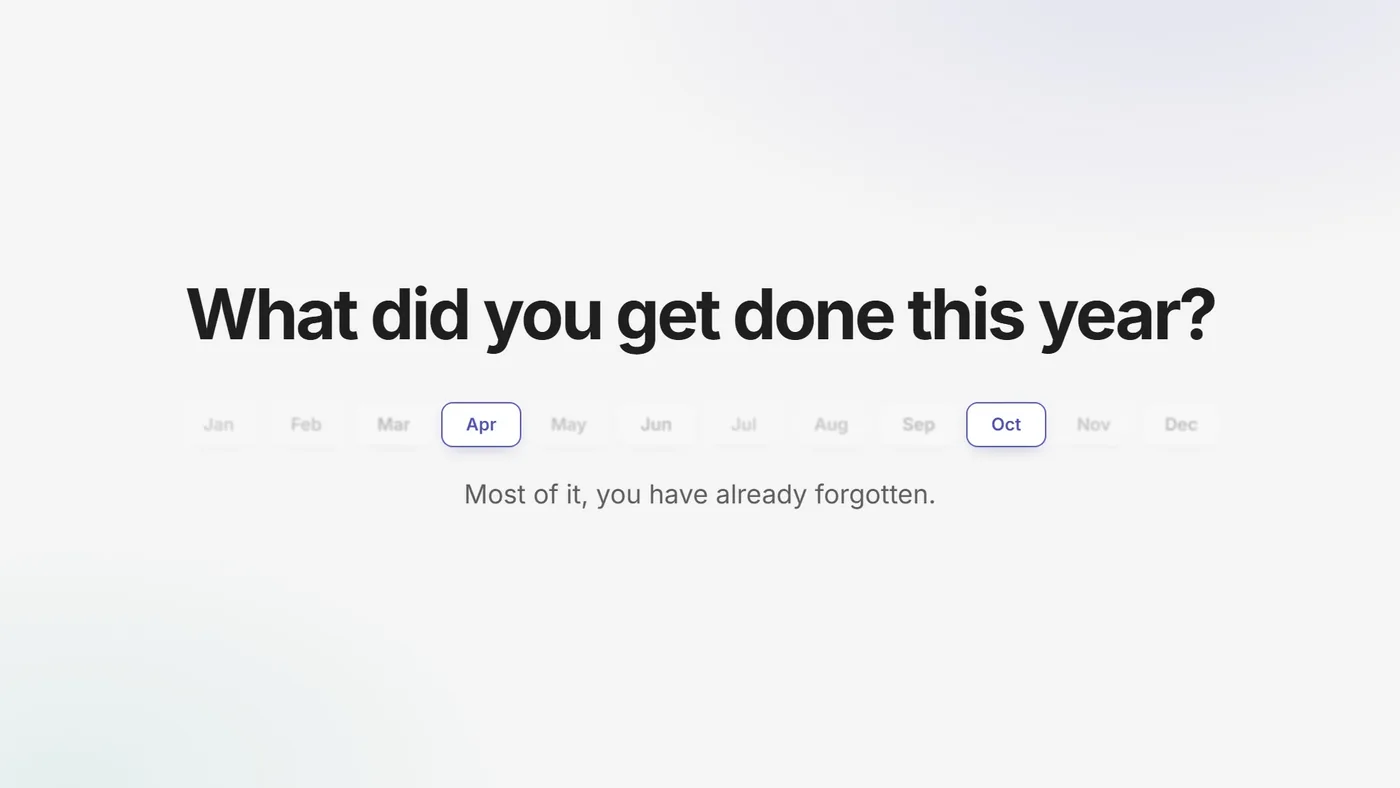
I made the product video in code with Remotion instead of a video editor. One product window carries through all six scenes, and each scene reframes it (moving, scaling, pushing in close), so the cuts feel like one camera moving instead of slides changing. The hook comes back as the payoff: the months that fade out in the first scene are the same months that fill back in on day one.
The site and the launch.
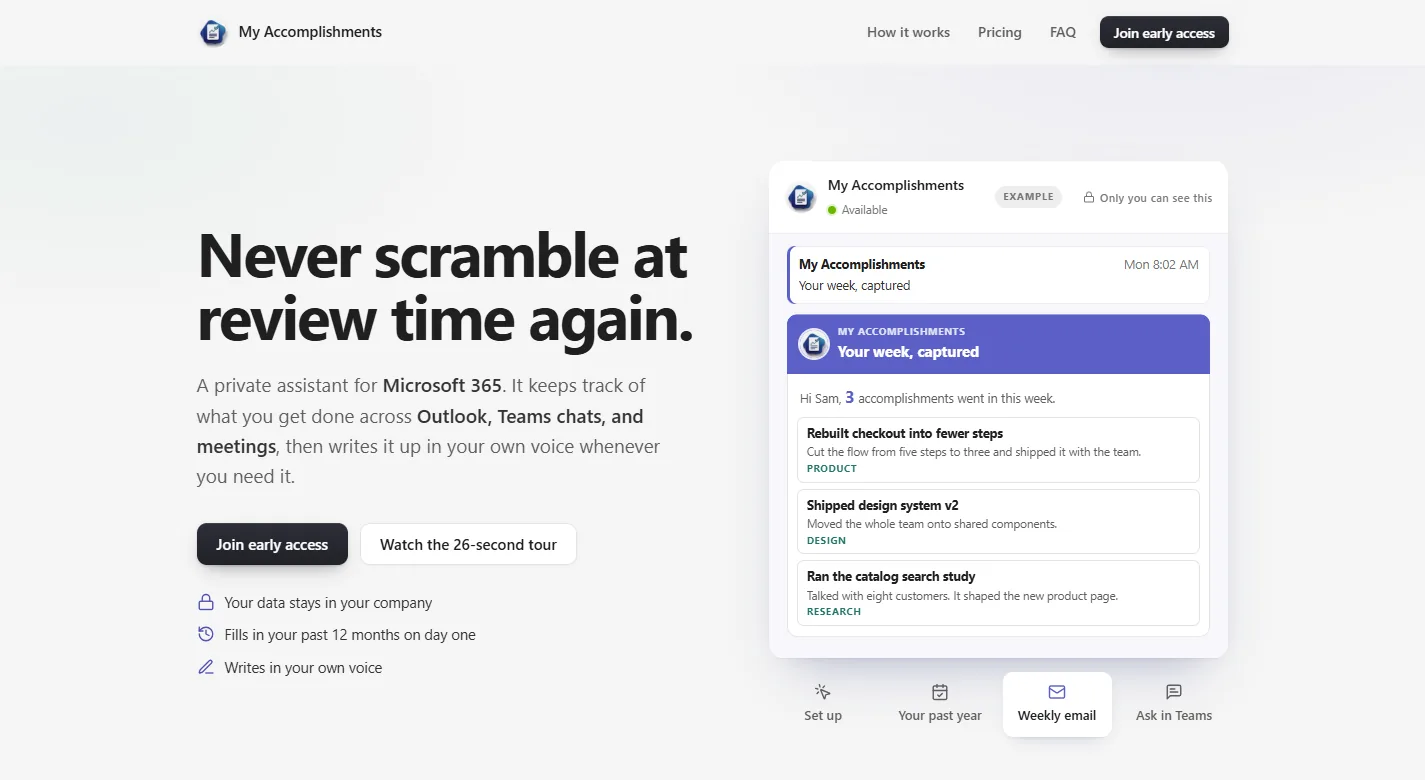
I designed and built the marketing site too. The hero is one product window that plays the whole story in four steps: set up, the past year filling in, the weekly email, and asking in Teams. The early access and waitlist forms check for bots without a puzzle and send a confirmation right away. Pricing is one price on one card, with the Microsoft tools a company needs spelled out a click away, so nobody finds a license gap after they buy. Pages for how it works, the FAQ, and a self-review guide handle search. Then I wrote one go-live script that sets up DNS, hosting, custom domains, and email. It checks each step before it creates anything, so it is safe to run again.
Want the story behind this one? Ask the AI me anything about it.